.png&w=3840&q=75)
PANELTECH BIM TOOLBOX
Descriptions
Paneltech BIM Toolbox: An essential tool for the modern architect
Dear architects, discover the BIM TOOLBOX PANELTECH – the perfect solution for your projects in Autodesk Revit!
If you are an architect, structural engineer or designer using Autodesk Revit, we have something for you that will revolutionise the way you work. BIM Toolbox Paneltech is an innovative tool designed for professionals like you who are looking for efficient and precise solutions for designing with sandwich panels and flashings.
We understand the challenges you face when designing with sandwich panels. Let the frustrations associated with model limitations, problems with cutting panels, and the tedious process of inserting flashings become a thing of the past.
Check out the PANELTECH BIM TOOLBOX: https://bim.paneltech.pl/
WHAT MAKES THE PANELTECH BIM LIBRARY STAND OUT?
- There’s no need to download models to your computer; with us, you can import models directly from Revit
- Our plugin provides tools that make working with sandwich panels easier
- Our BIM objects are saved as materials, not as curtain walls. This ensures there are no issues with correctly dividing the panels during design and including this in the bill of quantities.
- Extensive options for configuring BIM object attributes. You can select, for example, the colour, type of cladding, profiles, etc., directly from the model and incorporate them into the design.
PANELTECH BIM TOOLBOX COMPONENTS:
- the Paneltech BIM platform, which allows you to view and download BIM models of sandwich panels and flashings. The application also features an advanced filter that enables you to tailor the panels to the specific requirements of your project.
- the Paneltech BIM plugin, which allows you to use BIM models directly within Autodesk Revit. This means that the entire library is accessible from within a specific project, and the proprietary plugin also provides additional features to streamline the design process.
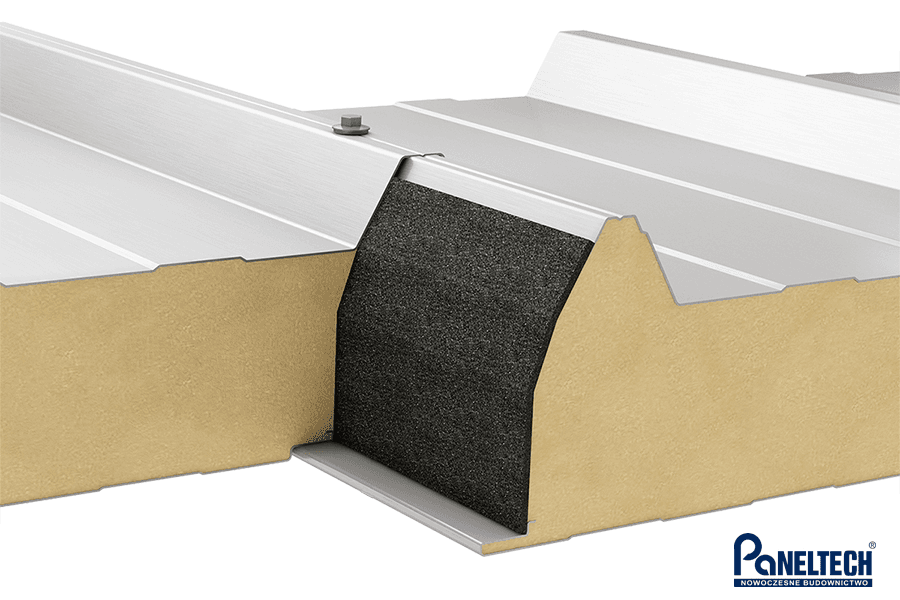
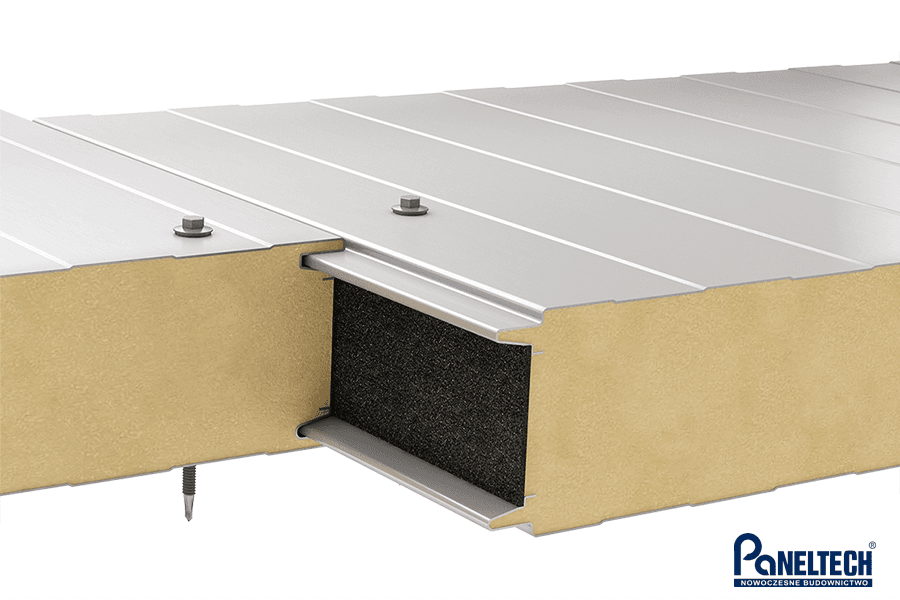
- BIM models of sandwich panels and flashings generated automatically on the platform.
INSTRUCTIONAL VIDEOS
Having trouble installing the plugin? Not sure how to use our tools? Don’t worry!
Our company is committed to meeting the needs of architects and designers, which is why we have created special tutorial videos that show, step by step, how to use our library effectively. In our materials, we describe every feature of the plugin in detail – from downloading it onto your computer to sending a complete list of materials for verification. Discover all the features of our plugin and make your design process even more efficient!
You can watch the videos at https://bim.paneltech.pl/catalogue?locale=pl
or on our YouTube channel: https://www.youtube.com/playlist?list=PLNeLztYuIYRorxLBJyW1MXINIY11StkLc
Photos
bim-toolbox-paneltech-7
platforma-paneltech1
wtyczka-paneltech
modele-bim-paneltech