
CADprofi Hager – switchboards, modular equipment, building automation, cable management systems
CADprofi hager – a library of Hager devices for use with CAD software
A product database that significantly simplifies and speeds up the design process for those working in a CAD environment. CADprofi Hager is a library of devices featuring up-to-date drawings and symbols, which streamlines the design process for electrical installations. It contains a collection of drawings:
- switchgear,
- safety devices,
- building automation,
- electrical installation accessories,
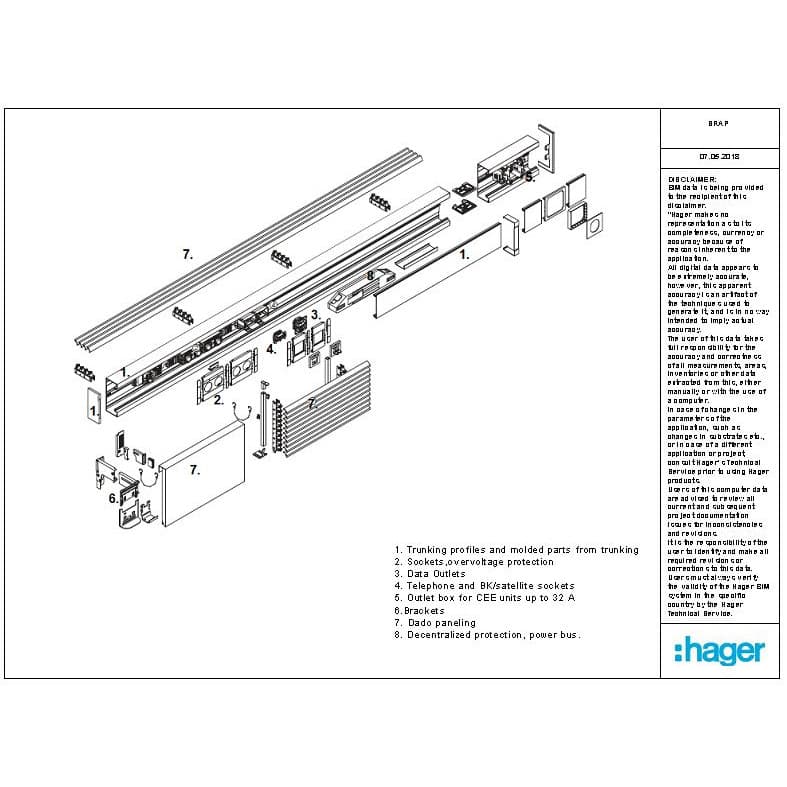
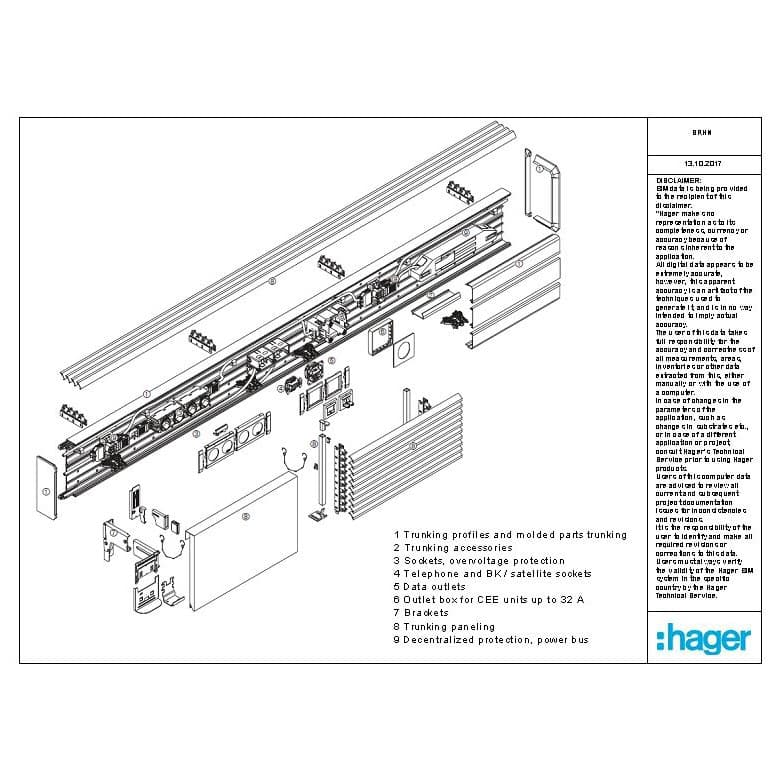
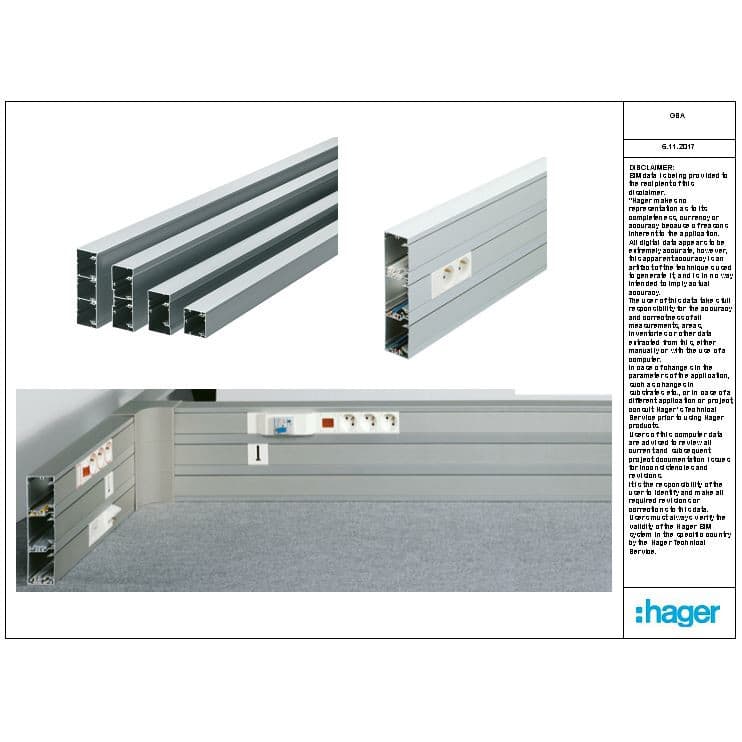
- electrical installation routing systems
- universal power distribution systems
2D views allow the layout of safety and control devices in various types of switchgear to be shown, which facilitates subsequent installation or design. Single-line and multi-line symbols, arranged horizontally and vertically, comply with international standards and will therefore also be understood in the context of overseas projects.
Our add-on is compatible with CAD-based software such as AutoCAD, BricsCAD, GstarCAD, progeCAD and ZWCAD. To view the full list of compatible software, click on the link.The product library is divided into the following groups:
- The low-voltage switchgear and distribution boards range includes products for protection, control and distribution, as well as small (domestic) distribution boards, multi-meter distribution boards, and the univers and unimes distribution systems. The database also includes KNX-standard devices for building automation design.
- The power distribution diagram creator, which allows us to create installation diagrams in a table layout using 1-, 2-, 3- and 4-pole electrical symbols and the corresponding Hager devices. Such a diagram table, complete with descriptions of individual circuits, can be inserted into a DWG file in a single step, where the schematic diagram is drawn. Additionally, we can draw a diagram using a CSV file. Creating such a file is very simple, and ready-made templates significantly speed up and simplify the work, particularly in the descriptive section. It is also possible to save a partial diagram, e.g., of the power supply, lighting control or group protection systems, and insert it into our diagram – the table – in the correct sequence. To make our Creator easier to use, we have added sample solutions for residential and domestic switchboards. These templates can be used as a starting layout and modified to suit your own needs.
- Installation routing systems are a range of products for the underfloor distribution of electrical installations. We can make use of the full range of Tehalit concrete screed ducts, junction boxes for fitting accessories, and various types of hinged covers, suitable for different rooms and working environments.
- Electrical installation fittings, comprising Lumina electrical installation fittings, which can be used both on wiring diagrams and on floor plans and building drawings. Additionally, photos of the fittings make it easier to select them for specific rooms. Furthermore, this group also includes the Systo range of electrical installation fittings for special applications, primarily in Tehalit and Tehalit.Underfloor installation systems.
Using our product database, you can choose between single-line and multi-line symbols, which can be placed horizontally or vertically on the diagram. To create switchboard front panels, 2D views of devices and switchboards are available, which greatly facilitates the work of installers or switchboard manufacturers. If you need product data sheets for your project, you can download them via a direct link to the e-catalogue. Links to download the latest versions of the Hager product catalogue in PDF format are also available.
We invite you to download the latest CADprofi Hager overlay, which has been updated to match our current product range.
Schematic Designer (A new feature that allows you to create installation schematics in a table template using a variety of electrical symbols and the corresponding Hager devices. See how easy it is and save time when creating your next projects!)
full
full
full
Examples of projects
full
full